
Company Activiti
Proof & results
Case studies
Show how your company solves problems, delivers measurable results and builds trust across different industries.

Case 01
Check Status Publicly
Show how clients can check their request status by code.
Case 02
Control Every Page
Present the structured theme settings system for pages and templates.
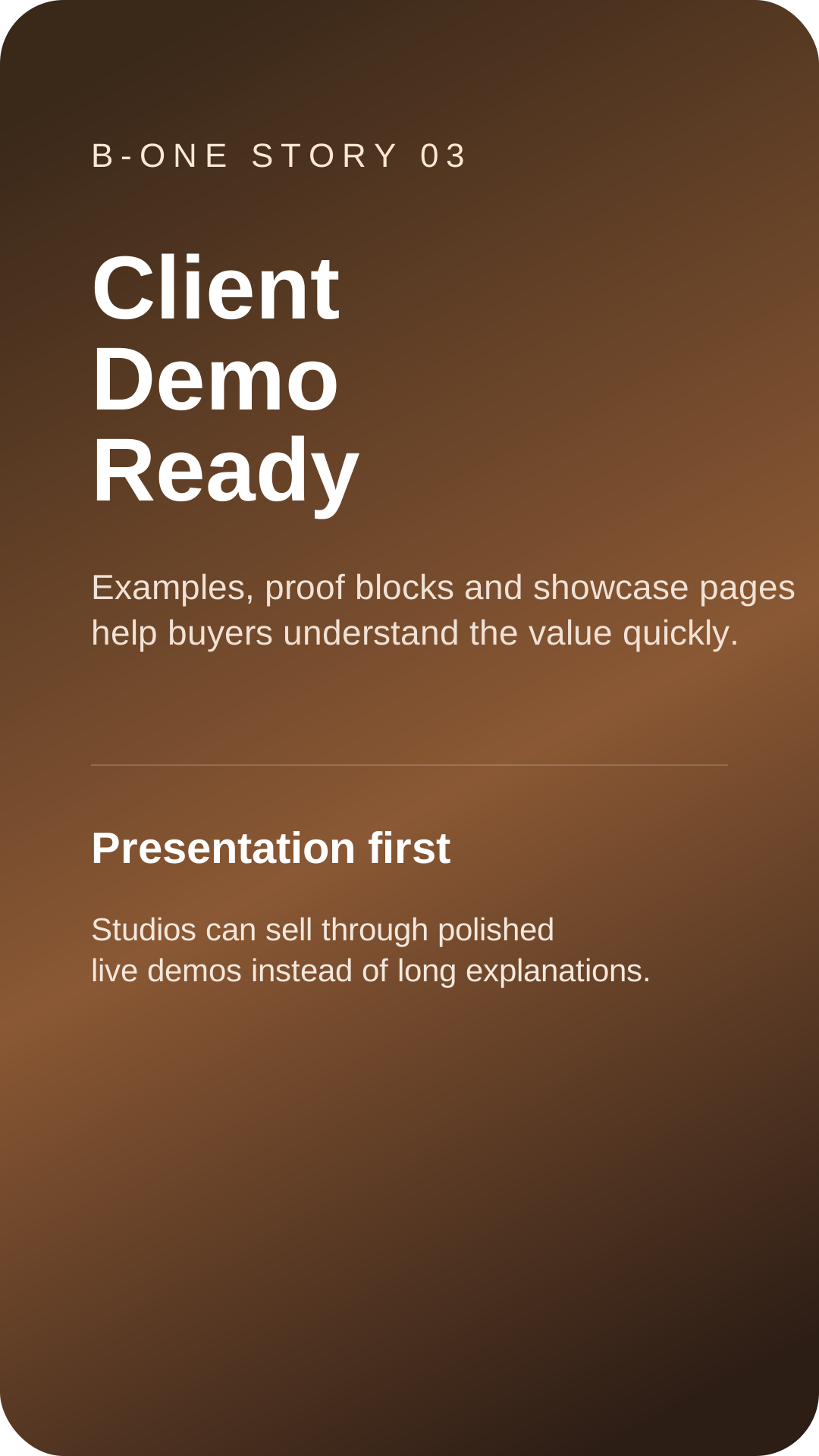
Case 03
Build Premium Business Demos
Position the theme as a complete business demo system for real use cases.

Case 04
Control SEO Centrally
Show the SEO settings system and centralized page SEO workflow.
Case 05
Lead Capture UI
Request and contact flows integrated into the theme UI, without page builders.
Case 06
Present Products Better
Show the product page as a business presentation layer, not just a generic store layout.
Case 07
Reorder the Homepage
Show the homepage layout builder with reorderable sections.
Case 08
Show Features Visually
Present the screenshot- and feature-oriented content block style.
Case 09
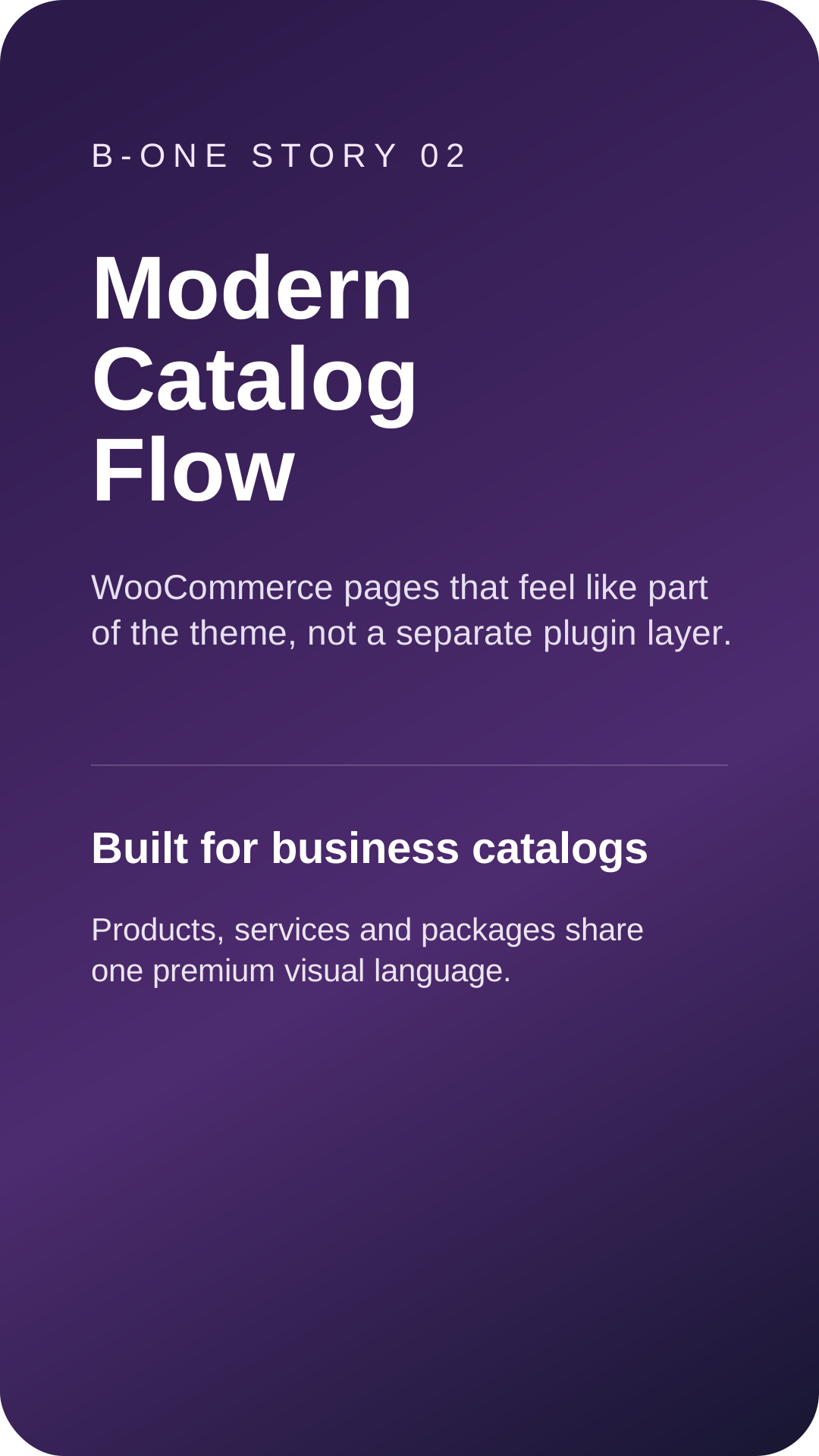
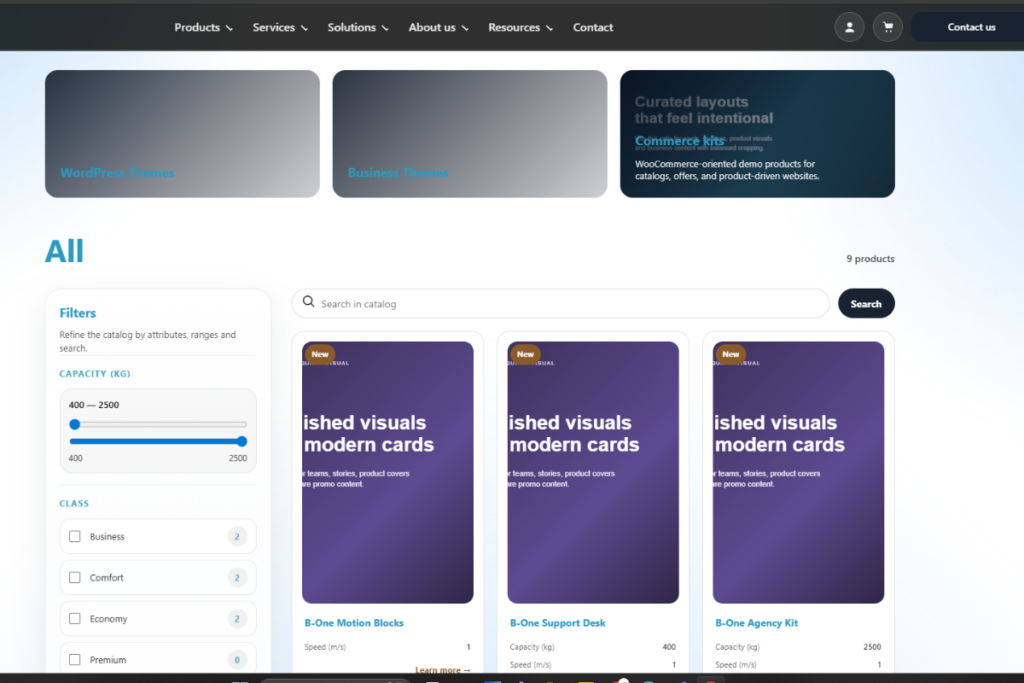
Industrial freight solution
A WooCommerce-ready catalog rollout for a product-driven business site.
Case 10
Track Every Request
Highlight the request system with code generation and status workflow.
Case 11
Deploy Without Chaos
Highlight safe mode and the stable theme activation flow before core activation.
Case 12
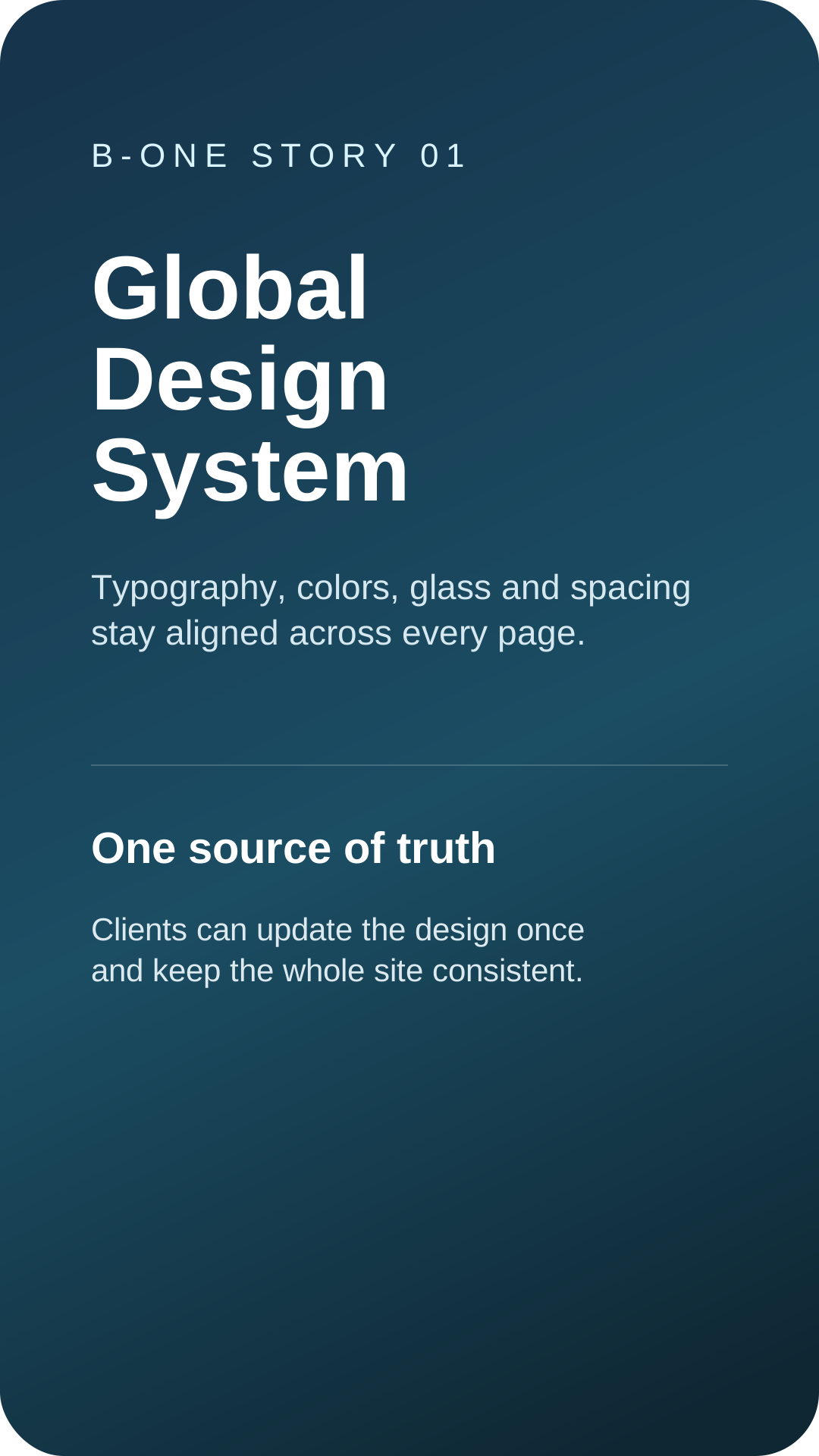
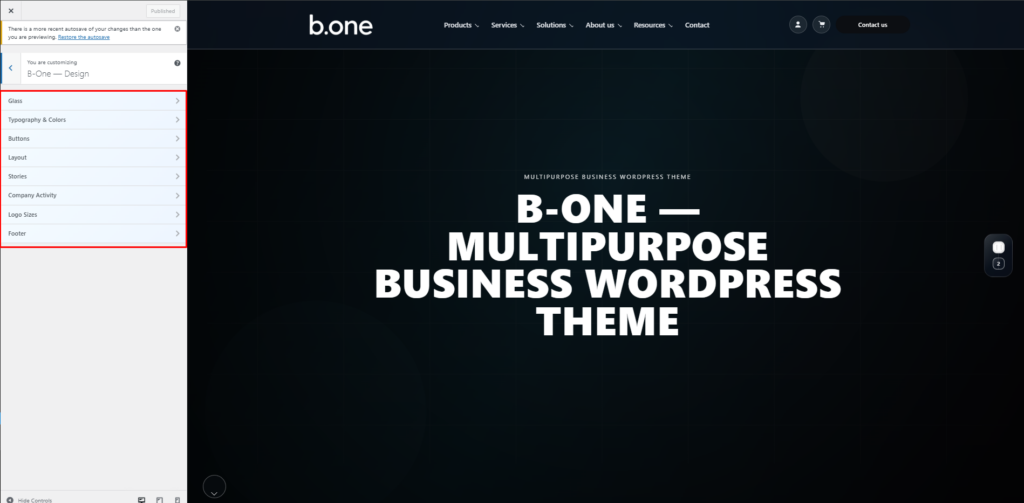
Global Design System
Typography, colors, glass blur/opacity, radius, spacing, and layout width — controlled globally.
Case 13
Use a Real Business Footer
Present the footer as part of the business and support system.
Case 14
Stories Workflow
Instagram-like stories help clients preview features, updates and business highlights in a modern format.
Case 15
Business website launch
Launch of a premium business website with product, service, and lead generation sections.
Case 16
Train Teams Faster
Show the built-in training pages and onboarding-oriented content structure.

Case 17
Product Page Specs
Specifications mapped from product attributes for clean comparisons and easy maintenance.
Case 18
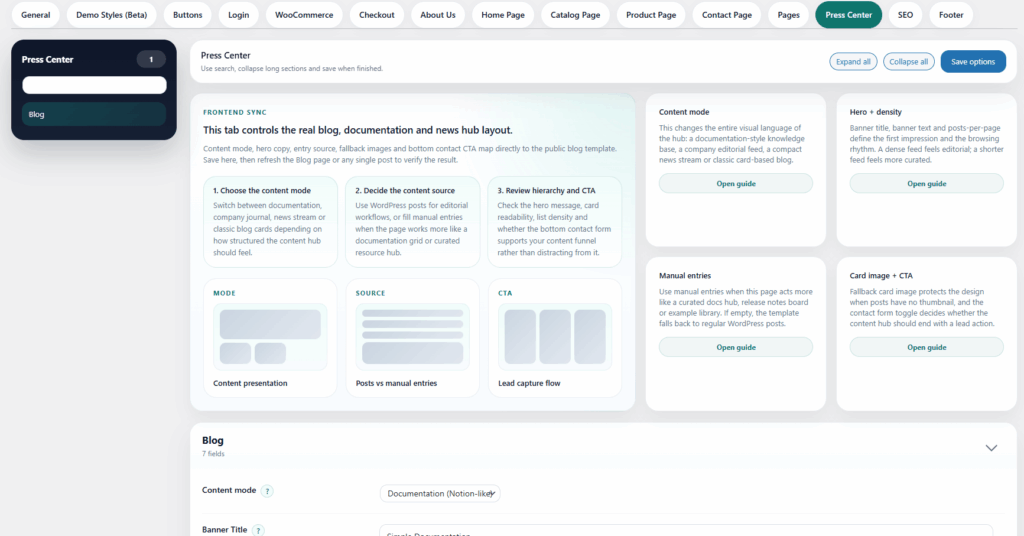
Documentation & Updates
Use the blog/press page as a documentation hub: guides, updates, and release notes.
Case 19
Global Design System
Typography, colors, glass blur, radius and spacing stay aligned across the whole site.
Case 20
Use Global FAQ Styles
Show that the FAQ style changes everywhere the same block is used.
Case 21
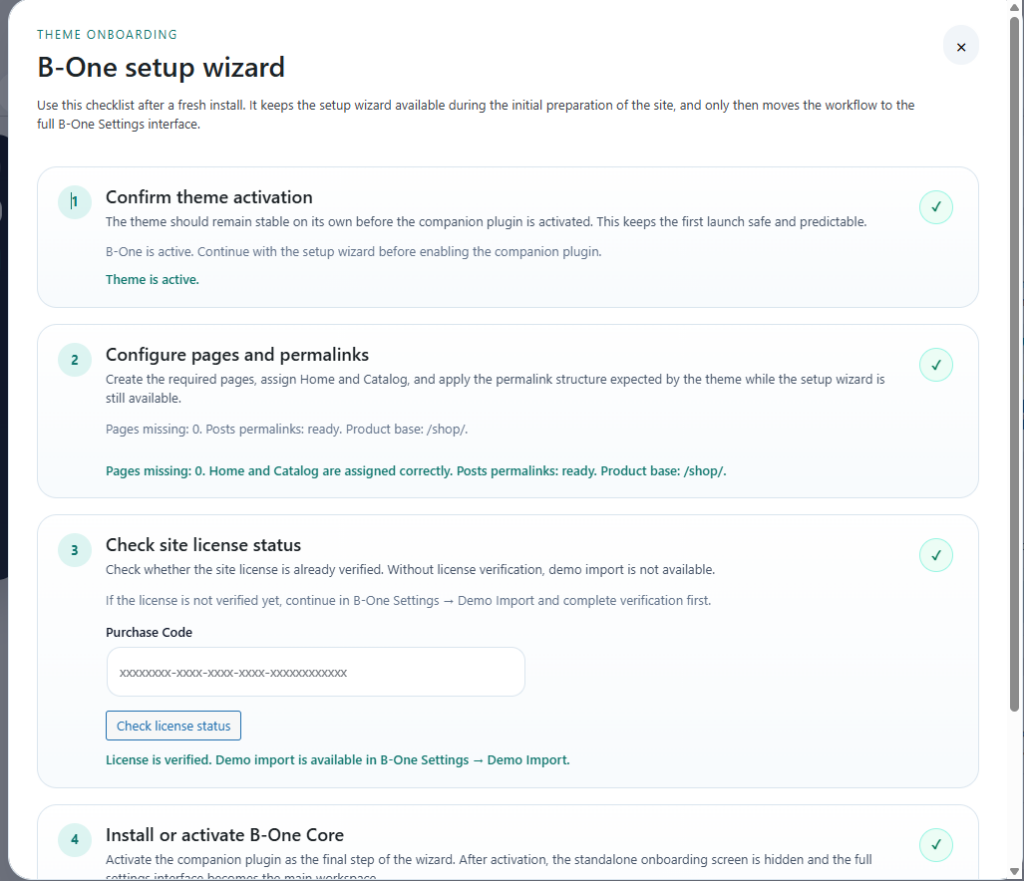
Launch Faswter
Focus on the setup wizard, safe mode, and the guided first-launch workflow.
Case 22
Guide Clients Clearly
Present the documentation system as part of the website, not as an afterthought.
Case 23
Make Blogs Match the Brand
Show how blog and press content follow the same business design language.
Case 24
Hand Off Cleanly
Show client documentation and site package tools as part of delivery.
Case 25
Business website launch
Launch of a premium business website with product, service, and lead generation sections.
Case 26
Adapt to the Niche
Present demo styles as a visual direction system for different business types.
Case 27
Industrial freight solution
A WooCommerce-ready catalog rollout for a product-driven business site.

Case 28
Show Real Proof
Present case studies as trust-building proof content.
Case 29
Stories Workflow
Instagram-like stories to present activity, milestones, and updates in a modern way.
Case 30
Improve the Cart Experience
Highlight the cart and checkout styling for business storefronts.
Case 31
Business website launch
Launch of a premium business website with product, service, and lead generation sections.
Case 32
Answer Before They Ask
Show the FAQ block as a sales and support layer across the site.
Case 33
Industrial freight solution
A WooCommerce-ready catalog rollout for a product-driven business site.
Case 34
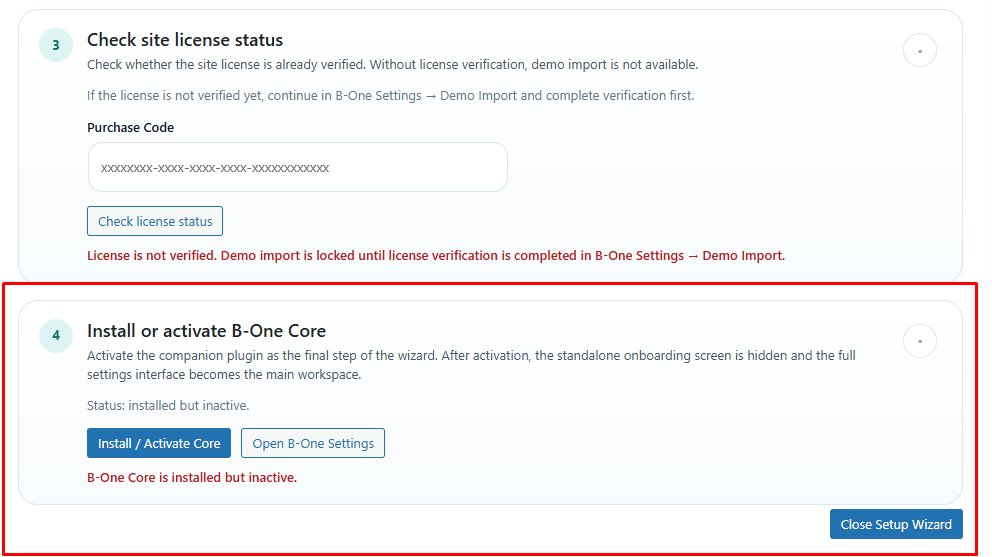
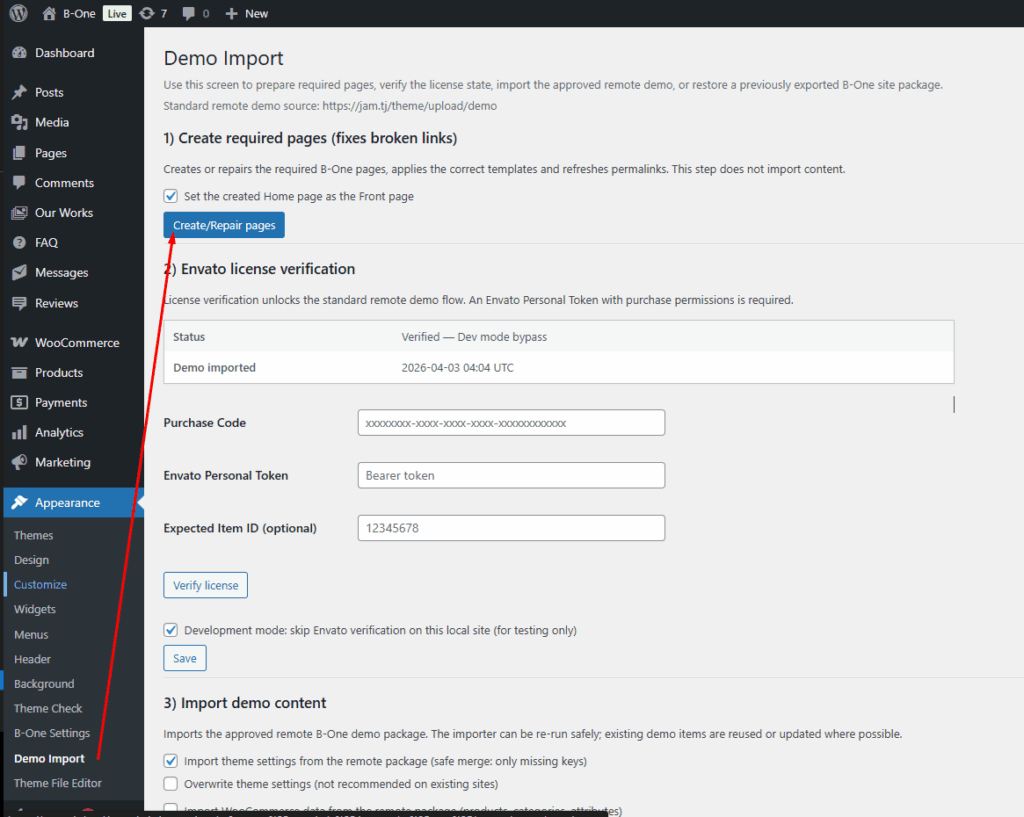
Import in Minutes
Show the demo import screen and the guided import workflow. Screenshots:
Case 35
Keep Accounts On Brand
Show the account and login experience styled as part of the theme.
Case 36
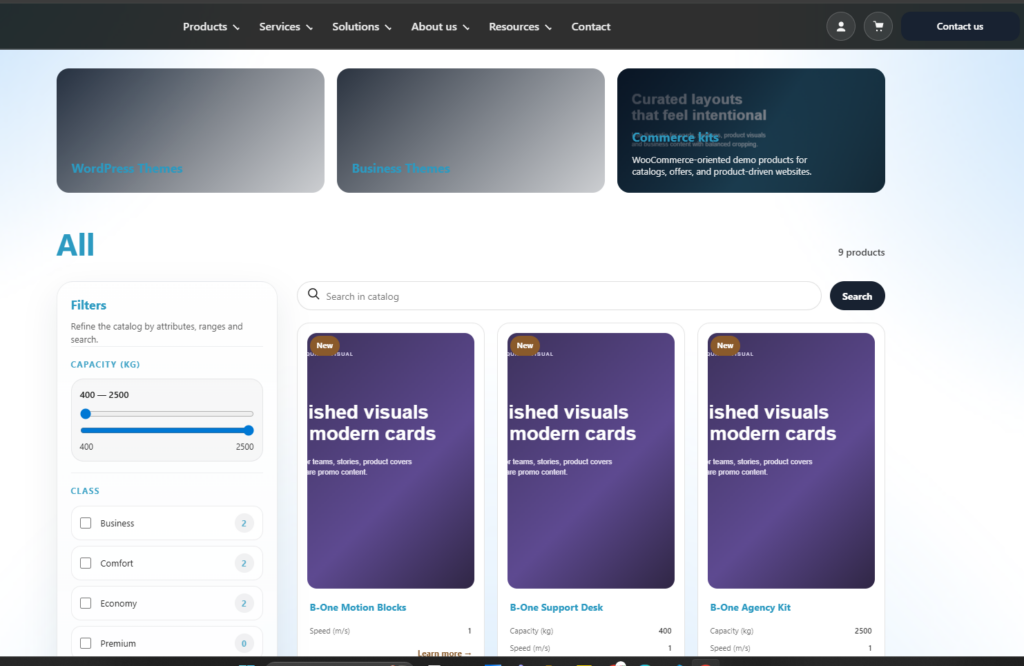
WooCommerce Catalog
Catalog cards, filters, and pagination designed for industrial products and service businesses.
Case 37
Keep Support StructuredKeep Support Structured
Present support content as a visible, integrated part of the homepage and business pages.
Case 38
Choose the Right Hero
Show multiple hero styles built for different business presentations.
Case 39
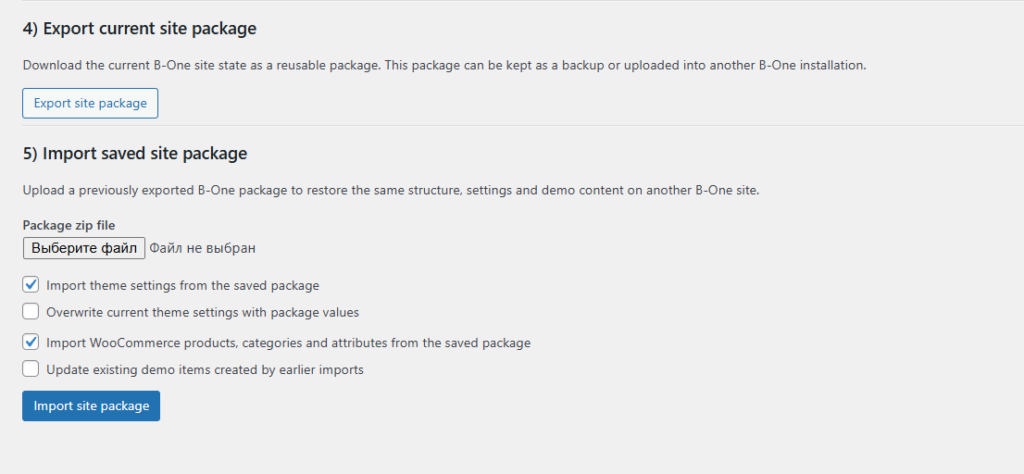
Export Site State
Highlight the ability to export the current site state for backup, migration, or reuse.
Advantages
Use this section to highlight the strongest reasons clients choose your business and to reinforce trust before they reach the contact stage.

Design
Design
Design
Design
Design
Services
Use this section to highlight the strongest reasons clients choose your business and to reinforce trust before they reach the contact stage.
-
Managed services Promote recurring support, retainer work, operational partnerships and ongoing client care.
-
High quality service Present your team as a reliable long-term partner with flexible service packages and measurable business value.
-
Solutions center Showcase resources, partner solutions, delivery capabilities or any operational advantages your business offers.
Company activity
Share your latest news, launches, achievements and client success stories in one place.

Aziza
UI/UX design

Komron Rahmonov
Autor/Developer

Madina
Developer
Category
How to start with the theme
A simple guide to pages, global design, products, and showcase links.
View feature →
How to change the global glass style
Learn how background image, blur, opacity, and glass text work together.
View feature →
How to edit products, prices, and categories
A short WooCommerce guide for editing the catalog.
View feature →Sales brochure
Download the theme brochure
See pages, features and business use cases in one PDF.
Support channel
Reliable client support
Use this section for the fastest way to reach your team, confirm service availability and keep contact details visible across the homepage.
24/7
availability
Ideal for
support, onboarding and urgent requests
10% promotional discount applied to listed plan prices.
Starter
Basic website setup for a simple company presentation.
490 USD
441 USD
-10%
one time
Request demo
Included
- Home page
- Contact page
- Simple catalog
- Basic support
Business
Best choice for a product catalog and lead generation.
990 USD
891 USD
-10%
one time
Most popular
Get offerIncluded
- Everything in Starter
- WooCommerce catalog
- FAQ and blog
- Global design settings
Advanced
For bigger catalogs, custom pages, and stronger branding.
Custom
Talk to us
Included
- Everything in Business
- Custom sections
- Extra integrations
- Priority updates